
All guides
Opportunities & Ordering
Browse the publishers our team has selected for your campaigns, add them to your cart, and place an order — all without leaving the portal.
What Are Opportunities?
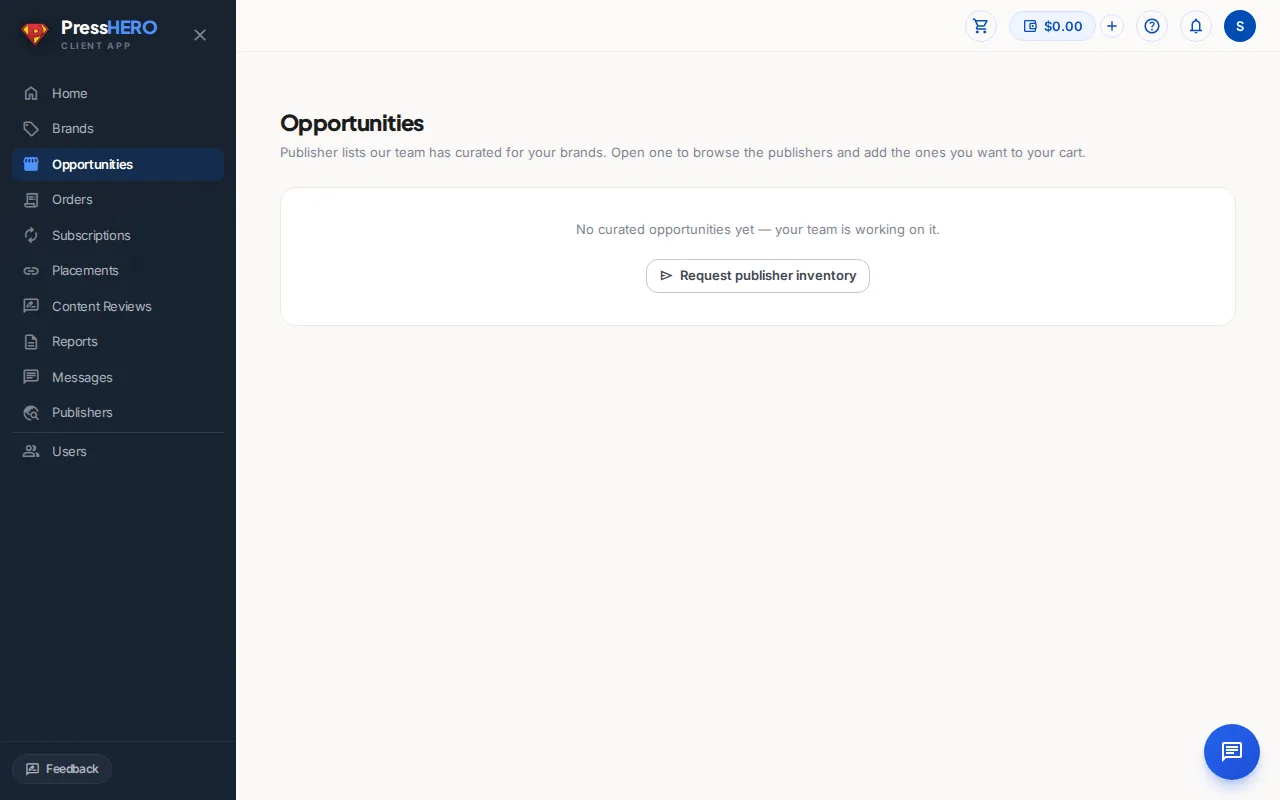
Opportunities are publisher websites our team has hand-curated for your brands. Each opportunity shows:
- Publisher domain — the publisher that will host your link.
- Link type — either Guest Post (a new article written around your link) or Link Insertion (your link placed in existing content).
- Price — the fixed cost per placement for that link type.
If you don't see enough opportunities yet, use the Request publisher inventory button to ask our team for more options.
Adding to Your Cart
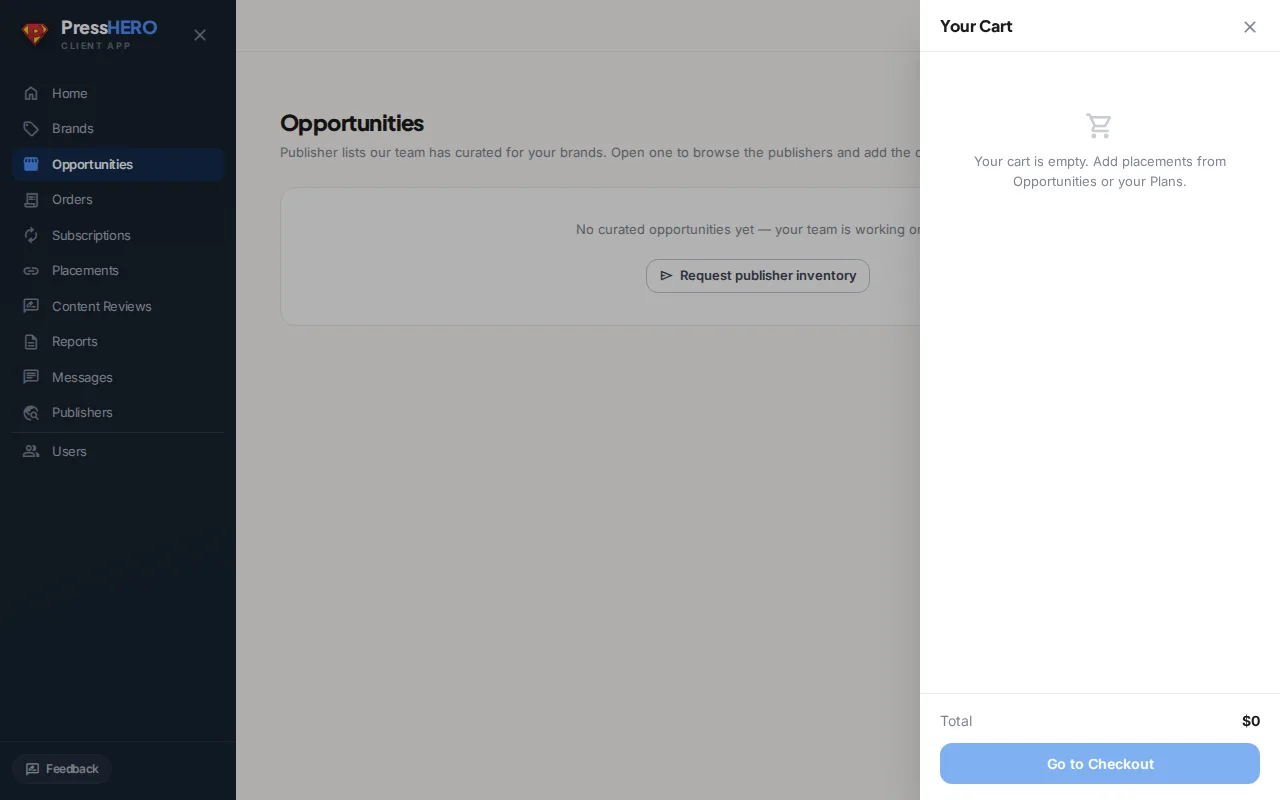
Each opportunity row has an Add to cart button next to the link type you want. Click it to add that placement to your cart. The cart icon in the top-right header shows a count badge so you can see how many items you've queued up.
You can add opportunities across multiple brands in a single cart and check out all at once. Your cart persists between sessions, so there's no rush to check out immediately.
Checking Out
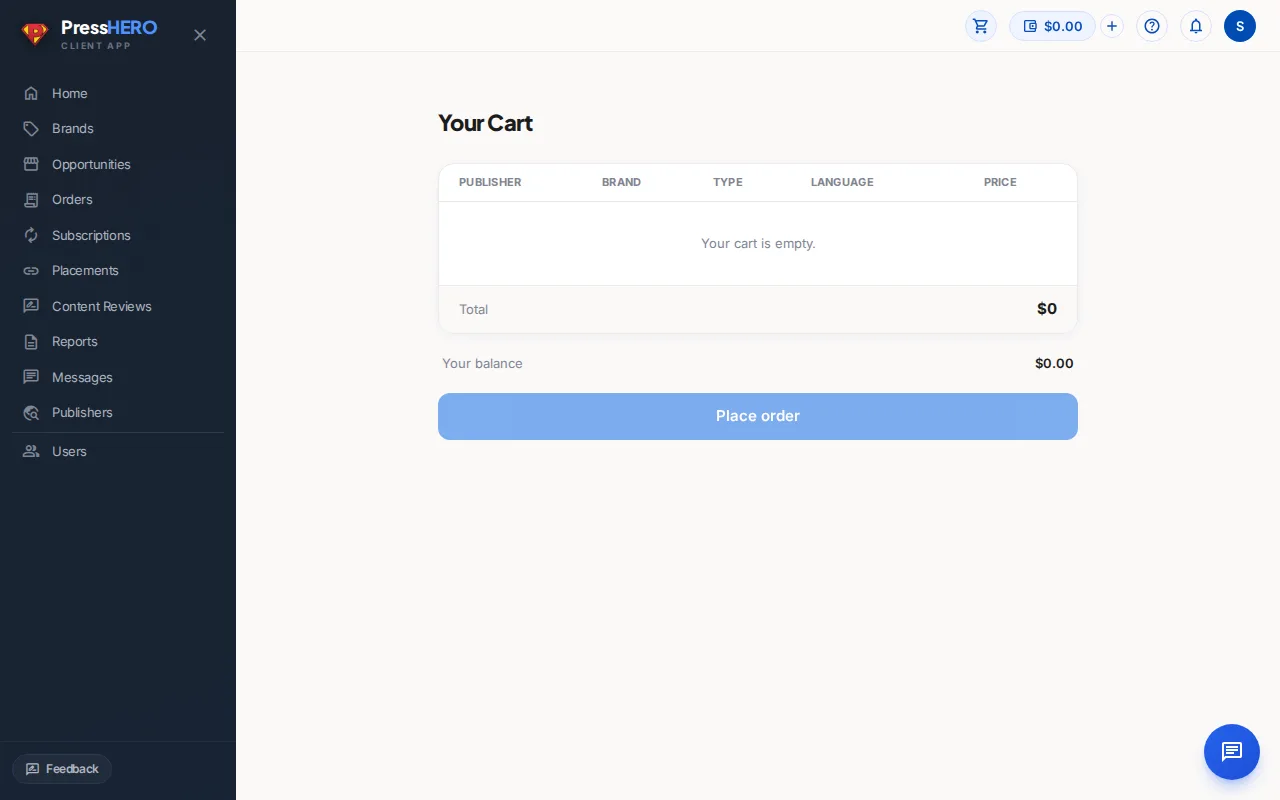
When you're ready to order, open your cart and click Proceed to checkout. The checkout page shows a full summary of your items, the total cost, and your current account balance.
- If you have enough balance, the cost is deducted immediately on confirm.
- If your balance is insufficient, you'll see a prompt to top up before completing the order.
After confirming, your order shows one of three statuses: Awaiting Your Approval if a placement still needs you to confirm its details, Awaiting Payment if the order isn't covered by your balance yet, or Awaiting Confirmation while it's with our team for review. Once the team confirms each placement, the order moves to In Progress.
After You Order
Once your order is placed, your team gets to work. Here's what to expect:
- Planned — our team has accepted the placement and is beginning outreach.
- Drafting — content is being written for your placement.
- Ready for Your Review — the article is ready for you to read and approve.
- Submitted to Publisher — the content has been submitted to the publisher.
- Live — your link is live on the publisher's website.
You'll receive a notification when a placement reaches "Ready for Your Review" so you don't need to keep checking back manually.
Pending Details Requests
Occasionally our team may need extra information to complete a placement — for example, a description for one of your brands or a target page for the link. These appear as task cards at the top of your dashboard under Waiting on you.
Fill in the details and submit — the task card disappears once the information is saved and your placements can continue.
Understanding Publisher Citation Evidence
Exact citation evidence helps you compare prospective publishers using published PressHERO articles already observed in stored AI answers. Open Columns and enable Exact article citations to show this optional column; it is hidden by default.
- Positive exact evidence only — a count appears only when a stored citation URL matches a published PressHERO article URL. An em dash is not a measured zero and does not mean the publisher has never been cited.
- Account-wide visible brands — evidence can come from any visibility tracker your account membership can see, not only the brand attached to this opportunity list. Restricted members still see only their permitted brands.
- Search-safe publisher scope — evidence is returned only for publishers currently visible on this Included list. A different page on the same domain does not count as an exact match.
- Inspectable evidence — the publisher drawer lists the exact articles and prompts behind the count. Select a prompt to open its stored answer in the correct visibility tracker.
Use exact citations alongside AI Visibility, organic traffic, and Authority Score. They are separate signals: site-level visibility, search audience, and SEO authority are not exact article citation counts.
This is selection evidence, not proof that a placement caused an AI-visibility change. For the full published-content view, go to Reports → visibility tracker → Placed Content.
Related guides