
All guides
Content Reviews
When an article is ready for your approval, you'll receive a notification. This guide explains the review flow, what each status means, and how to leave feedback.
What Is a Content Review?
For Guest Post placements, our writers draft an article that will be published on the publisher's website with your link in it. Before we submit it to the publisher, we give you the chance to read it and approve it.
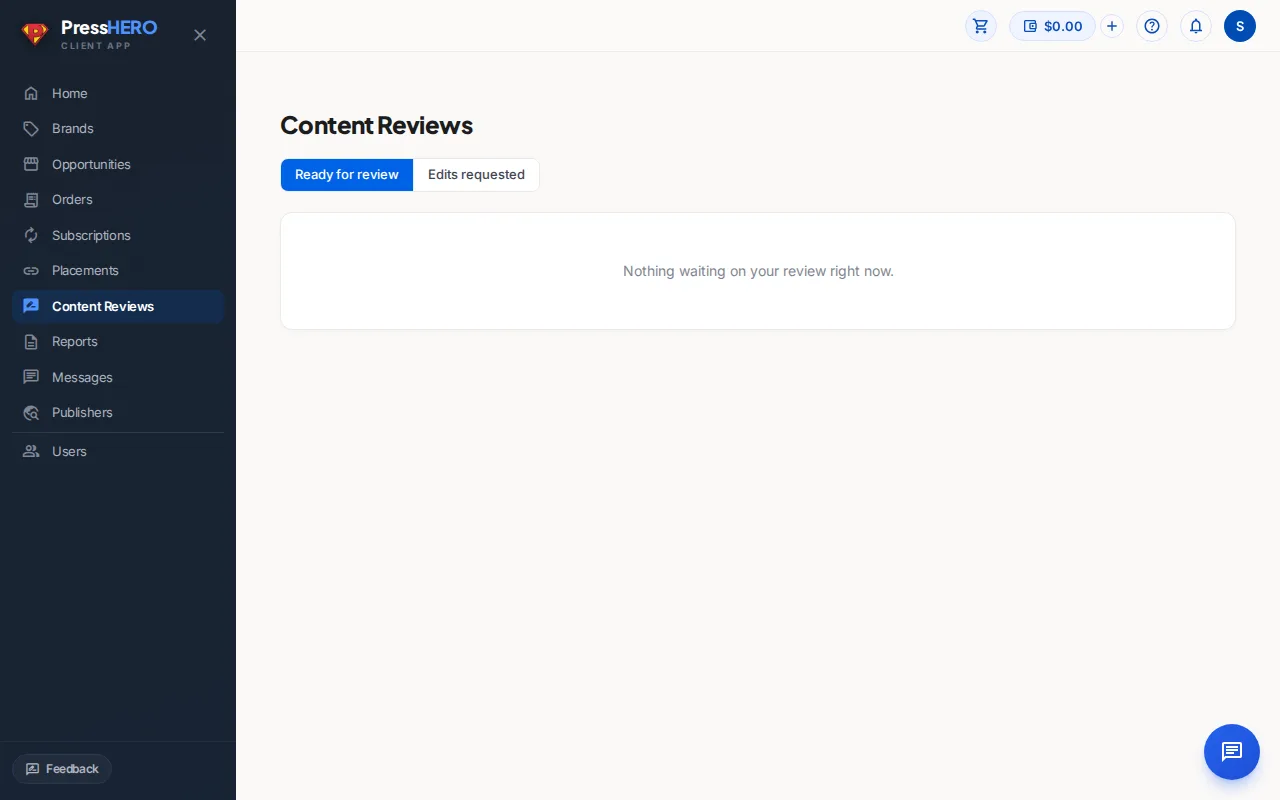
The Content Reviews page in the sidebar lists every article across all your placements, grouped into two sections:
- Waiting on you — amber cards at the top, one per article that needs your approval right now.
- Content pipeline — a table showing all other articles and their current stage.
Content Statuses
Each article moves through these stages before going live:
- Topic & Outline — our team is defining the article topic and structure.
- Drafting — the article is being written or going through internal review.
- Ready for Your Review — the draft is complete and waiting for your approval. You'll receive a notification as soon as it reaches this stage.
- Revising (Your Comments) — our team is incorporating the feedback you left.
- Edits Complete — Please Re-review — revisions are done and the article needs another look from you.
- Approved — you've approved the article and our team will submit it to the publisher.
Approving an Article
When an article is Ready for Your Review, an amber card appears at the top of the Content Reviews page:
- Click Review in Google Docs to open the article draft. Read it carefully and check that the link anchor text and target URL look correct.
- If you're happy with the article, click Approve on the amber card. A confirmation prompt appears — click Yes, approve to confirm.
- The card disappears and the article moves to Approved in the pipeline table. Our team will now submit it to the publisher.
Leaving Feedback
If you'd like changes before approving, leave your comments directly in the Google Docs draft using the Comments feature (highlight text → right-click → Comment). Then send us a message in the Messages section to let us know the article needs revisions.
The article status will update to Revising (Your Comments) while our writers work through your notes. Once revisions are complete you'll see it return as Edits Complete — Please Re-review and receive another notification.
Some articles also carry a green Fact-Checked badge. This means our team has verified the factual claims in the article before sending it to you.
Related guides