
All guides
Publishers
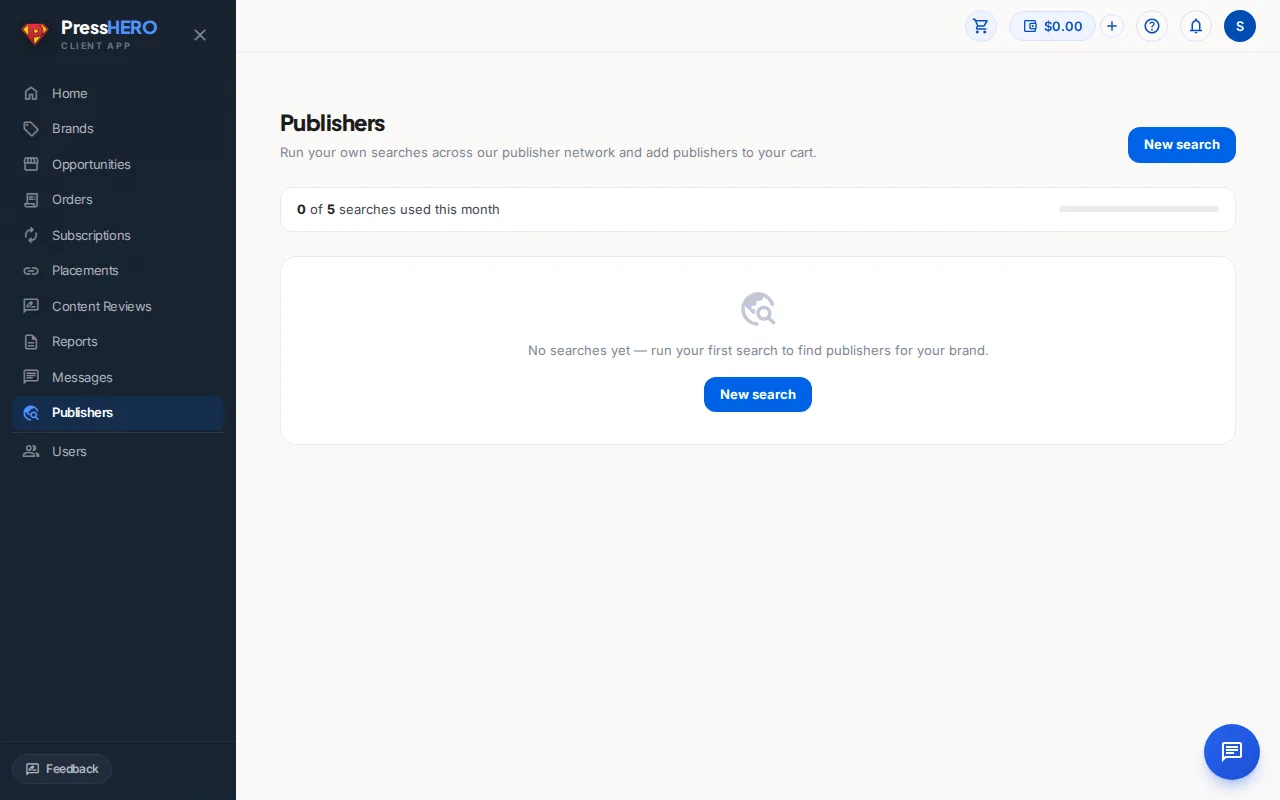
Run your own searches across our publisher network, browse the results, and add the publishers you want directly to your cart — no need to wait for a curated list.
Running a Search
Click New search on the Publishers page to open the search form. You'll need to provide either a target URL (a page on your site you want to build links to) or a topic keyword, then select the brand this search is for.
You can also filter by market, language, category, minimum DR, minimum traffic, and maximum price. All filters are optional — the more you add, the more targeted your results will be.
Each account has a monthly search quota. The banner at the top of the page shows how many searches you've used this month. When you reach the cap, the New search button is disabled. Contact us if you need a higher quota.
Browsing Results
Once your search completes, click its name in the list to open the results. Each result shows the publisher domain, authority metrics, and price. Click any row to open the publisher drawer with a fuller breakdown including the traffic trend, why it's a fit for your brand, and individual placement options with their prices.
Use the search bar, column filters, and sort controls to narrow down the results. You can sort by DR, traffic, price, and more.
Adding to Cart
Tick the checkbox next to any publisher to select it. When you have one or more publishers selected, a bar appears at the bottom of the page — click Add N to cart to add them all at once.
You can also open the publisher drawer and click Add to cart next to a specific placement type (Guest Post or Link Insertion) to add that exact offering.
Publishers without a listed price show "Price on request" and cannot be added to your cart directly. Contact us via Messages to enquire about them.
Refining a Search
If you'd like to adjust the criteria and see a fresh set of results, click the Refine button on the search detail page. A refine counts as one search against your monthly quota.
The brand is already fixed for a refine — only the other filters (target URL, topic, market, language, etc.) can be changed.
Related guides